
My Office
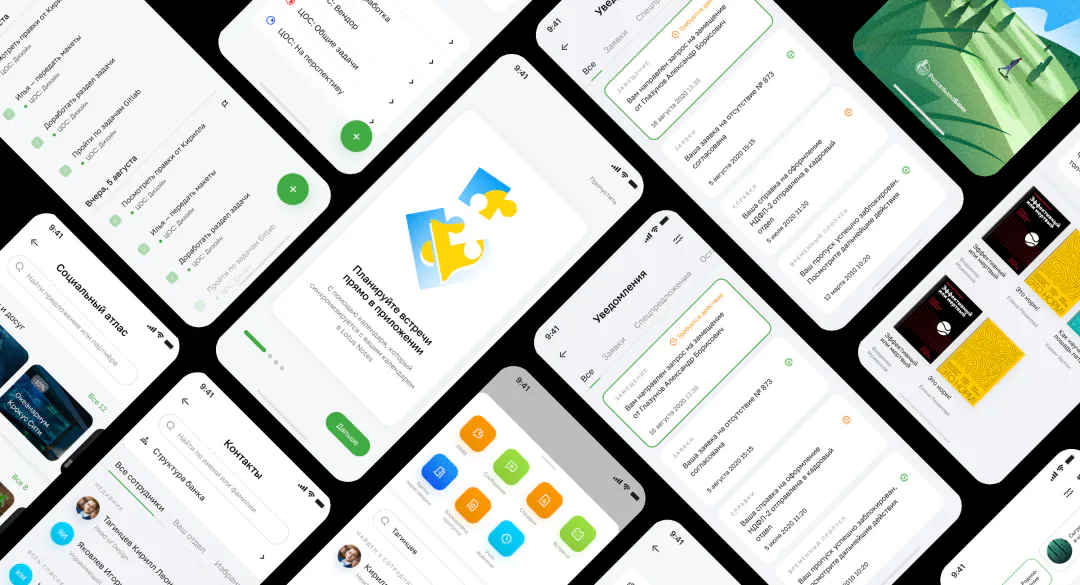
My Office is a convenient and secure tool that helps the bank's employees plan their time, quickly reach colleagues and handle routine tasks: create requests, order documents and find information about colleagues and departments.
Background
Employees could use the bank's services only from their workplace. There was no single resource with information about colleagues and departments, no remote access to tasks and no calendar on a smartphone. So the bank decided to create one information and work resource for all its employees, managers and heads.
Research
We interviewed 26 employees from different fields: 4 product managers, 7 call-center employees, 5 developers, 5 senior managers and 3 analysts. The research gave us the first hypotheses and the problems we wanted to solve for users and for management.
Employees
- Bank services only at the workplace
- No way to edit meetings from a smartphone
- No single directory of colleagues and departments, which matters most for new and remote employees
- No remote access to tasks
- No way to take part in the bank's programs with prizes
Managers
- New standards of working from a smartphone
- Low involvement in the bank's information space
- No convenient communication tools that protect personal data
MVP
We defined the requirements for the MVP and planned the roadmap.
Employees
- A calendar to view and manage meetings
- A profile with basic information about the employee
- Notifications from the bank
- Current tasks
- Contacts from related departments
Managers
- The list of their employees, with adding and removing people
- Urgent notifications for review and signing
- Tasks for themselves and their team, with priorities
Sign-in
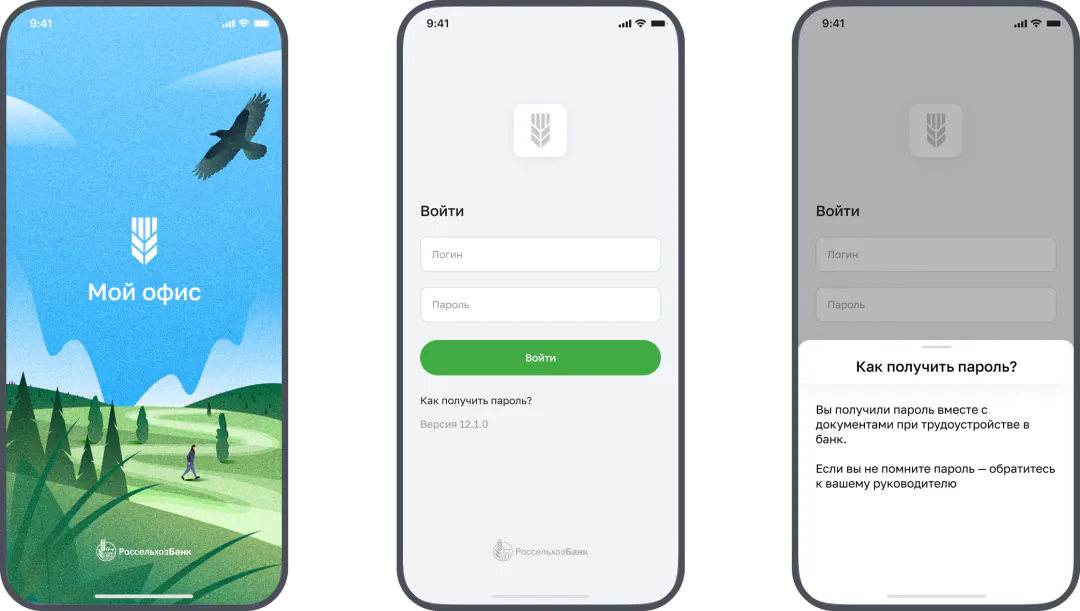
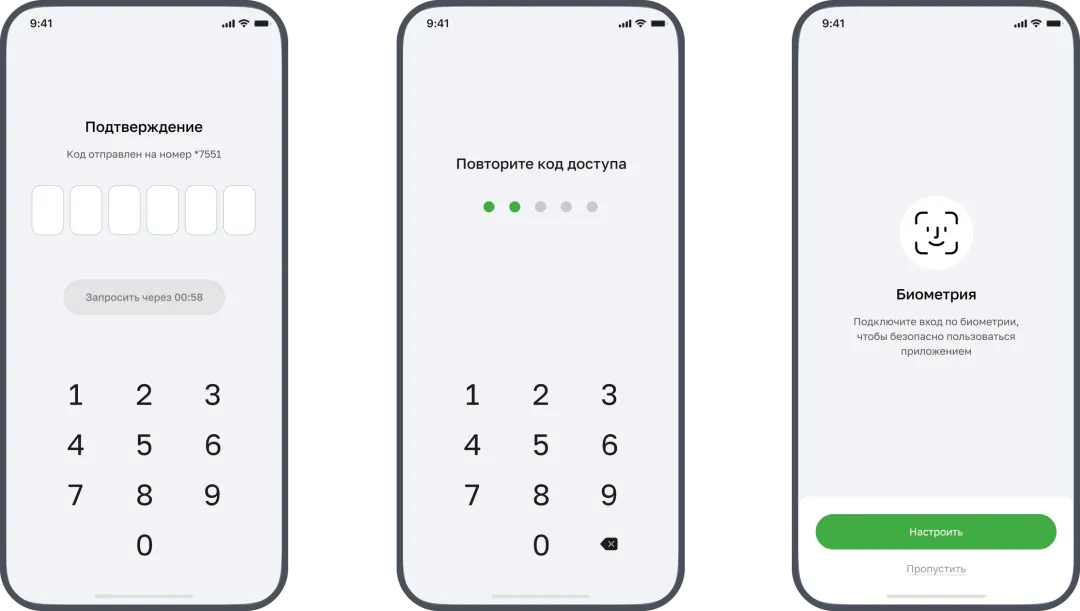
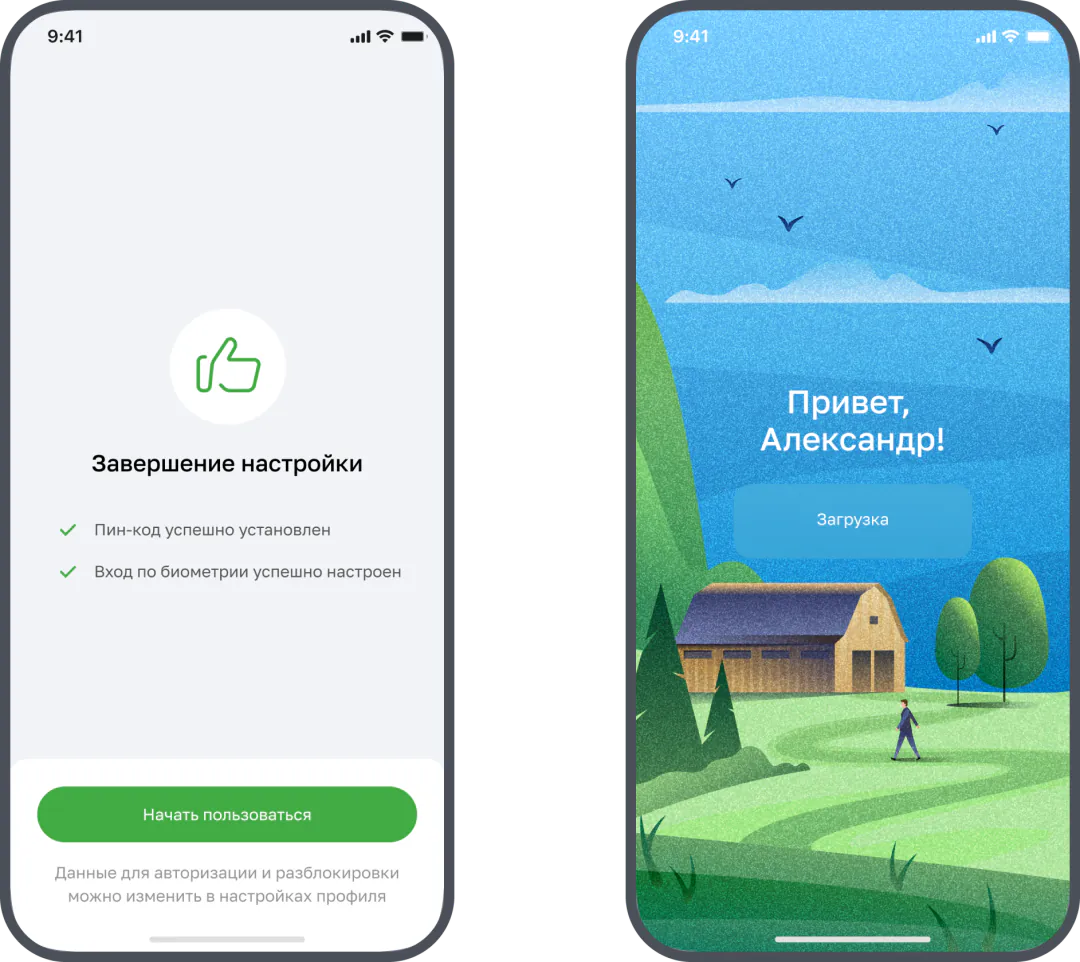
An employee signs in with the login and password they get when hired. The app holds confidential information, so it asks for a PIN or biometrics every time it opens.
Onboarding
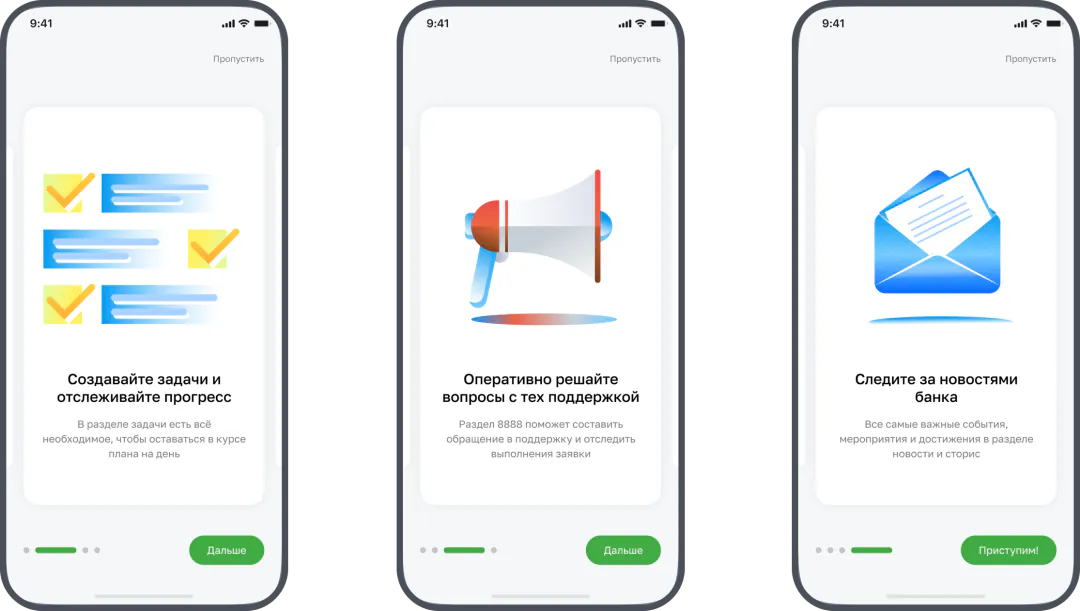
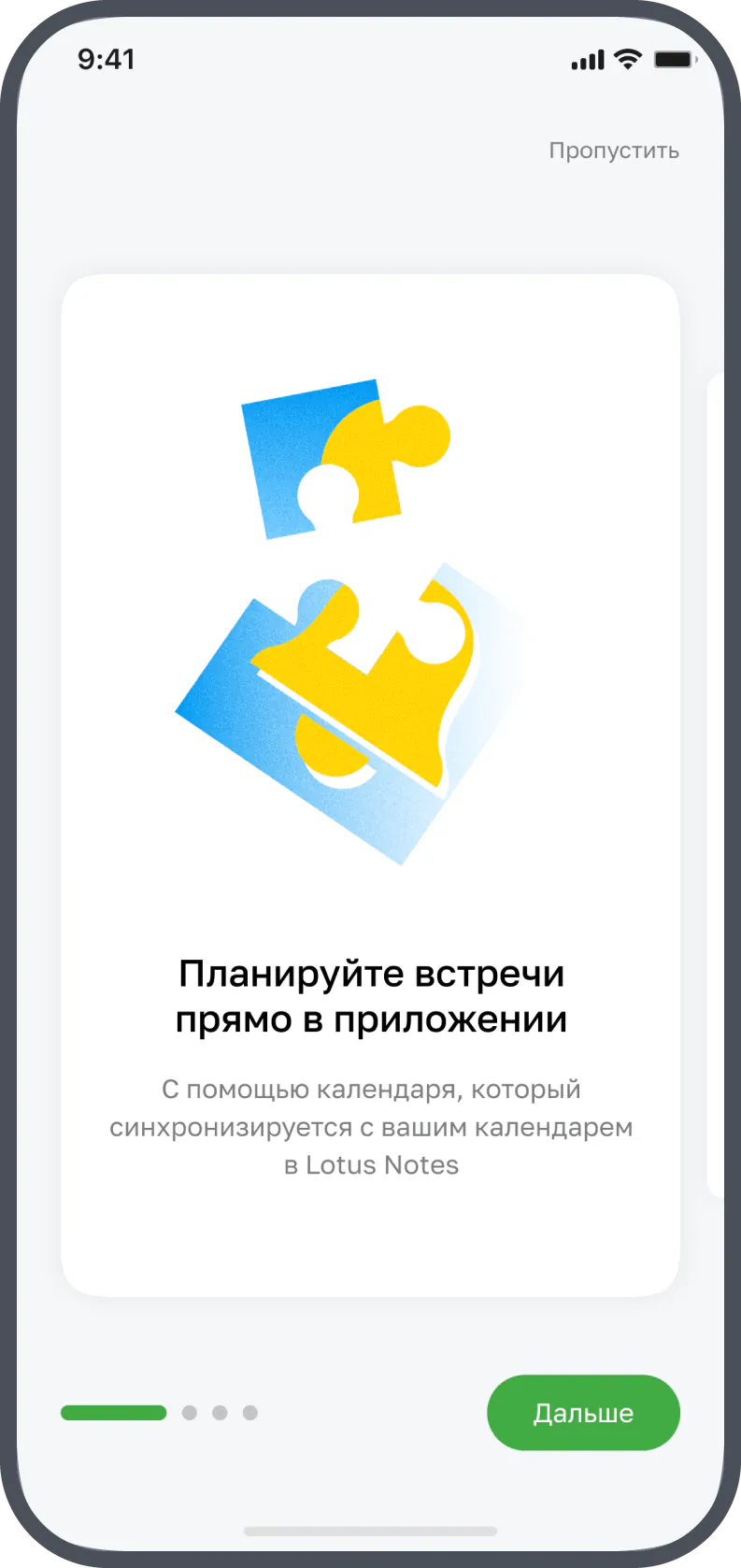
Onboarding shows what the app can do: schedule meetings, see tasks, contact support and get news from the bank.
Home screen
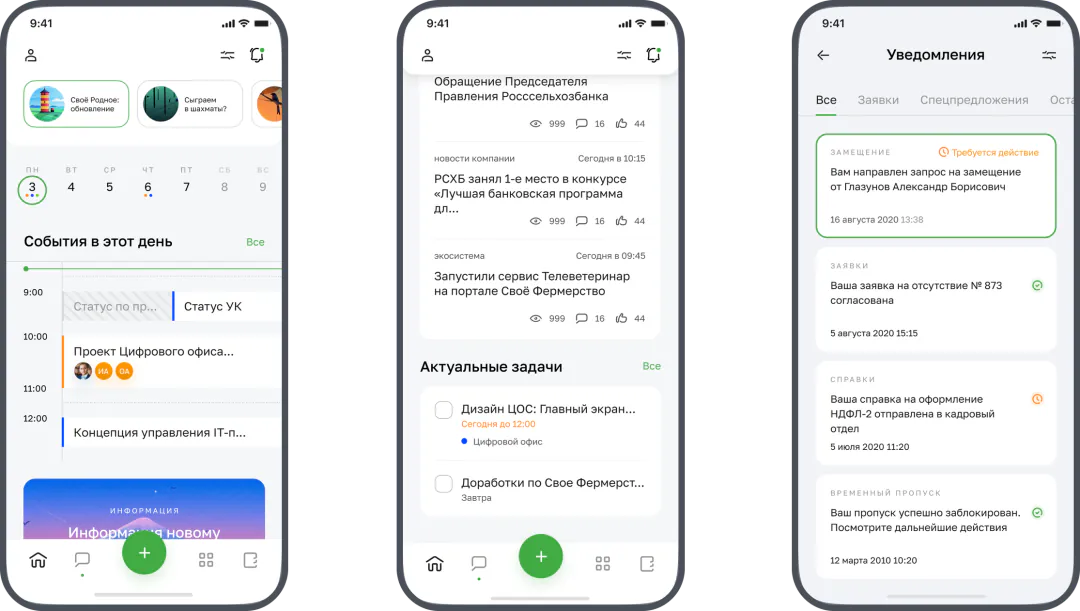
The home screen is made of blocks: a calendar with upcoming meetings, important news from HR, company news and tasks. Their order can be changed in the settings.
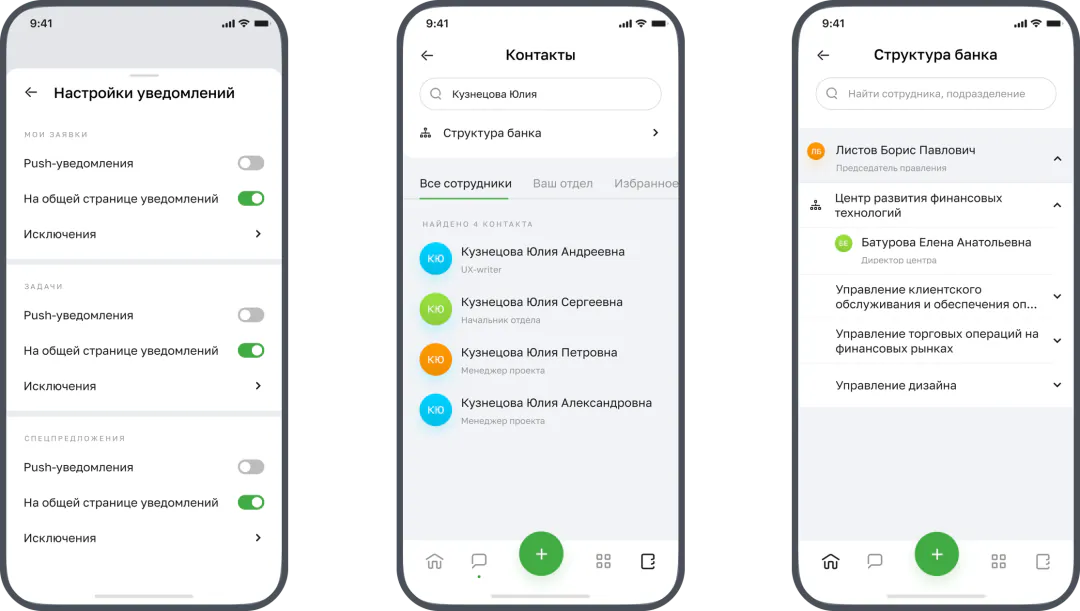
Each type of notification can be turned on or off. From the home screen employees also open contacts: the bank's structure and all its employees.
Task list
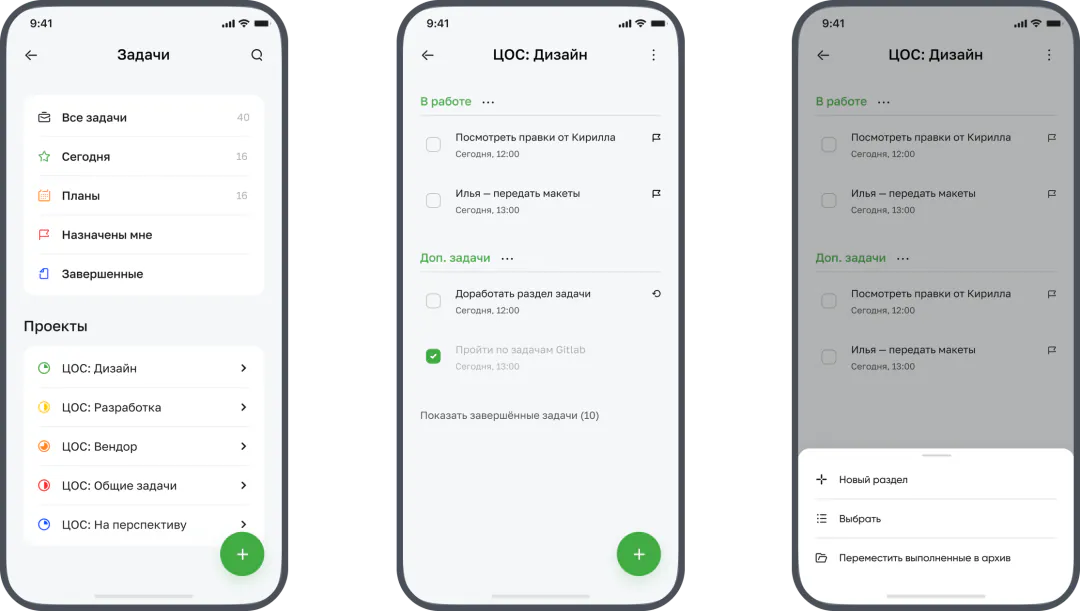
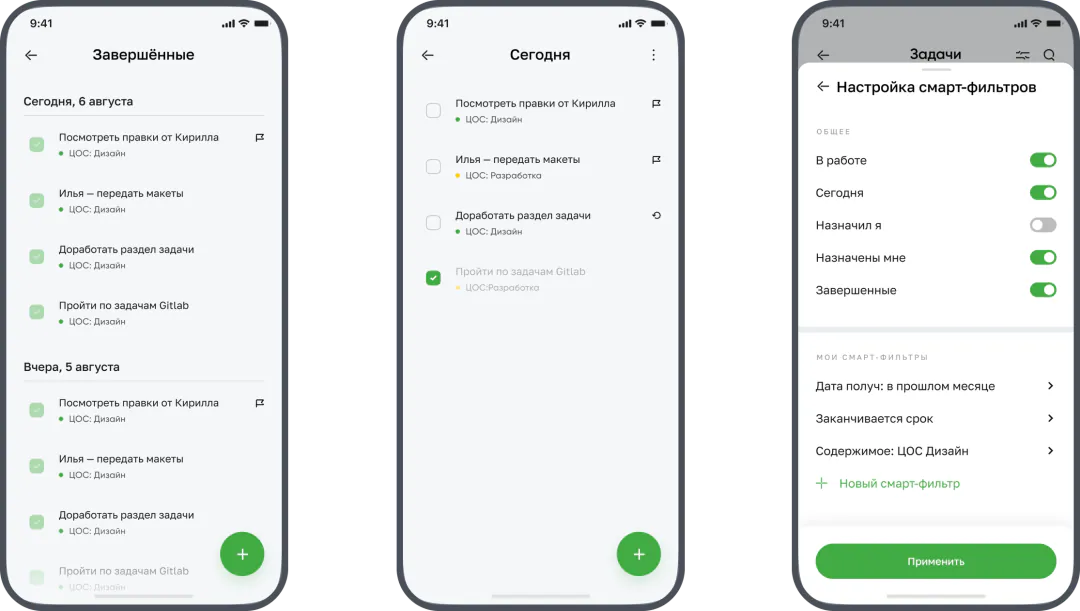
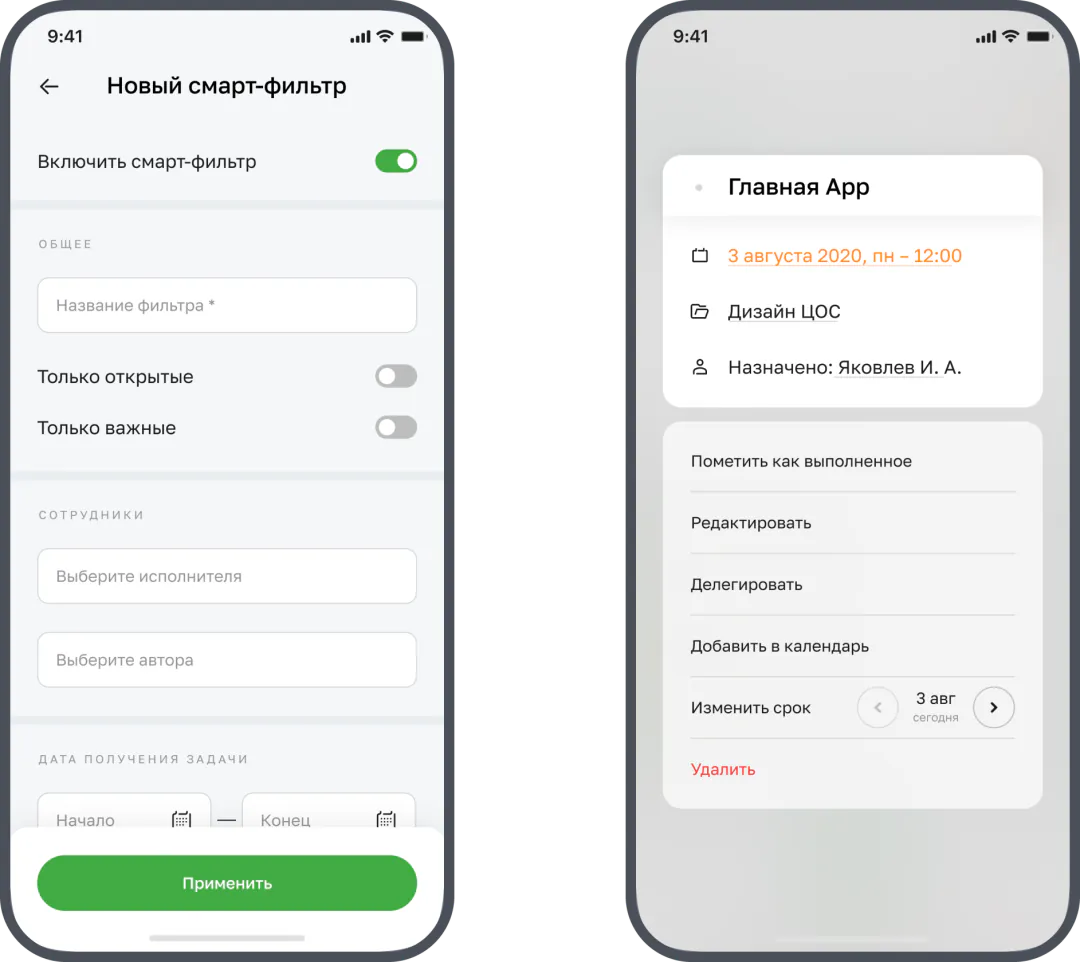
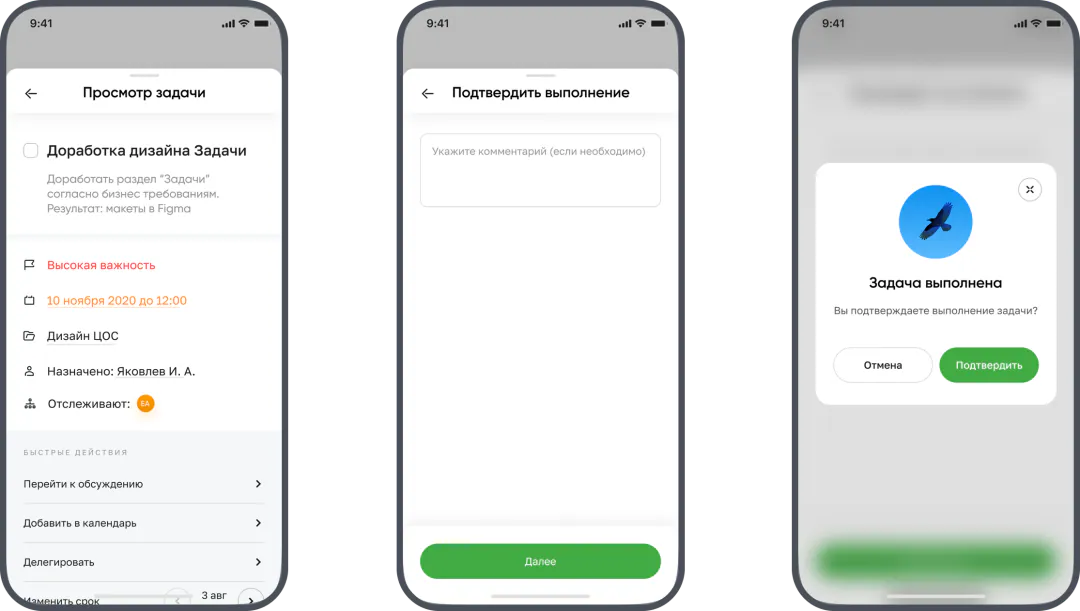
The task list holds every task related to the employee. Here they create tasks for themselves, change statuses, set priorities and follow their colleagues' deadlines.
Creating a task
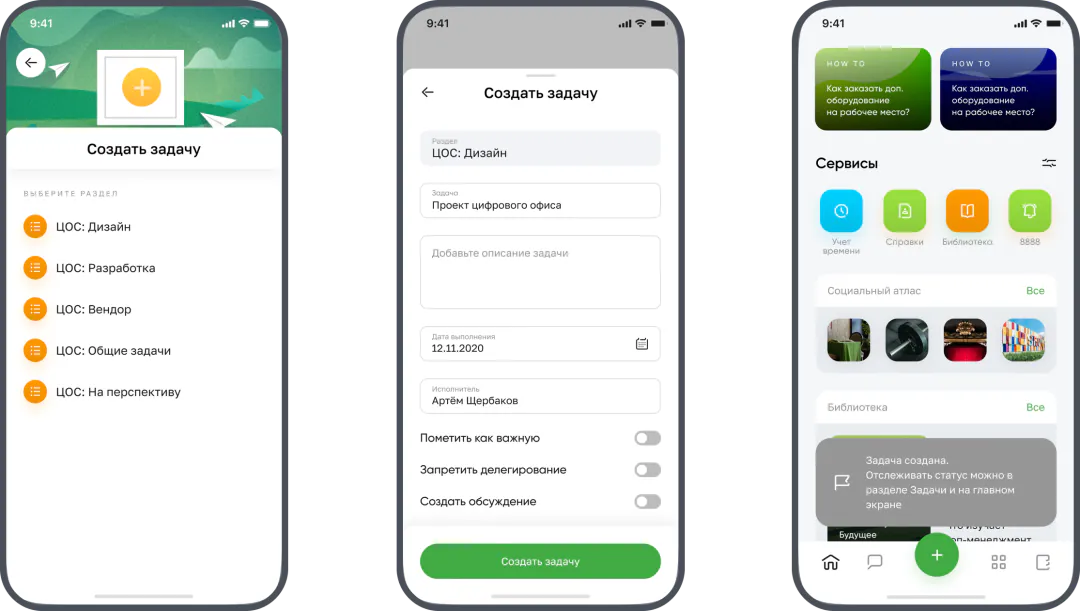
At the first stage task creation has limited functionality, but it already lets people work with tasks. Full functionality was planned for the second stage.
Profile
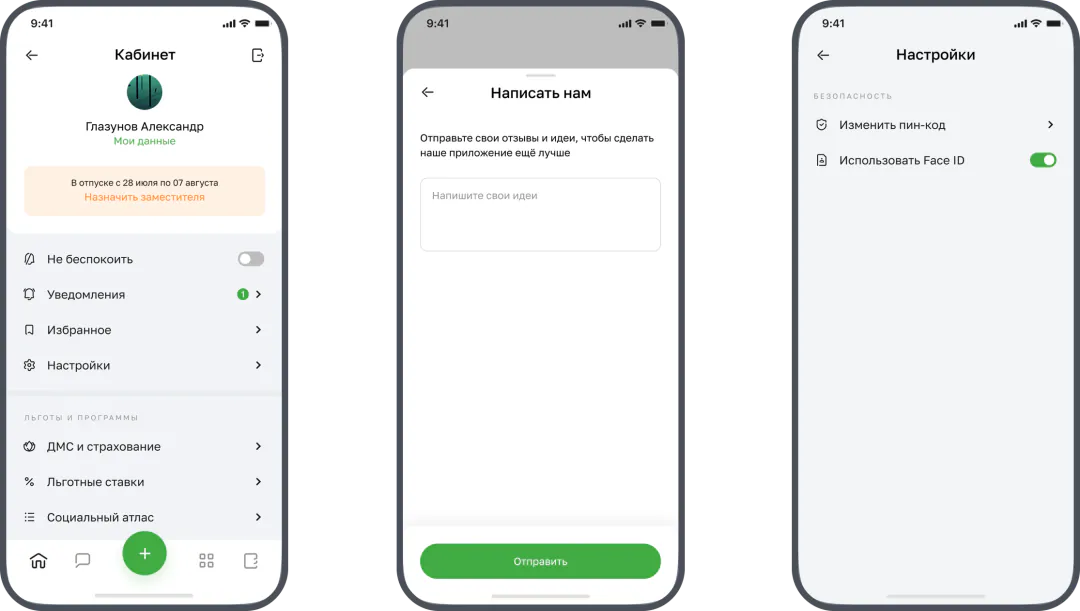
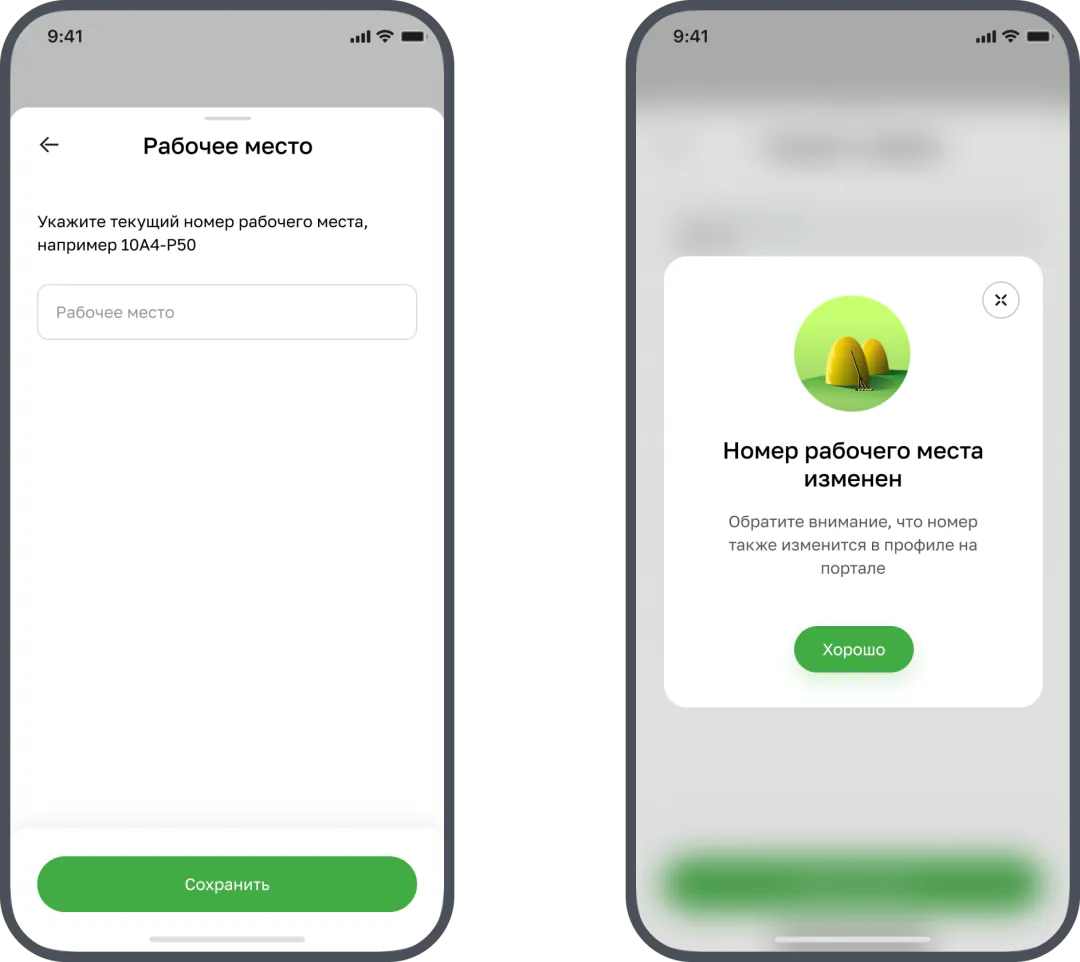
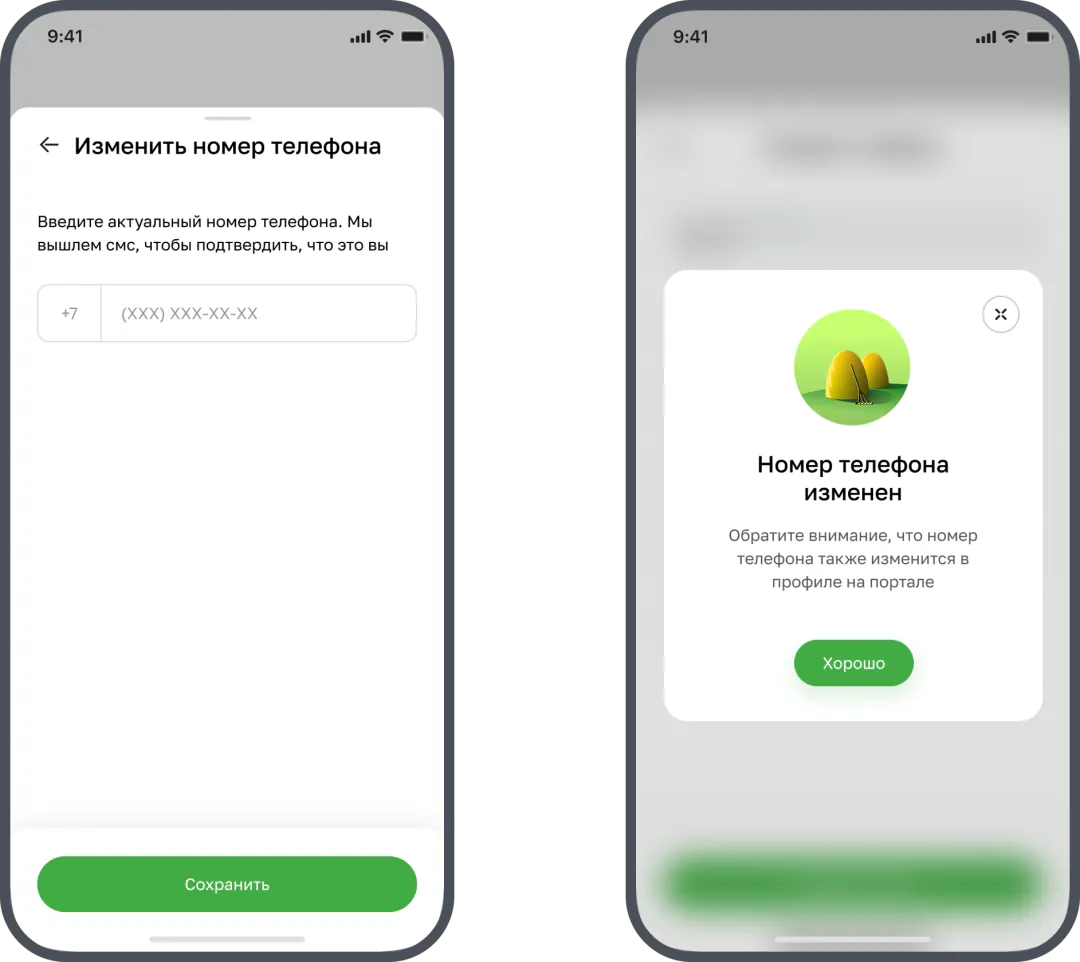
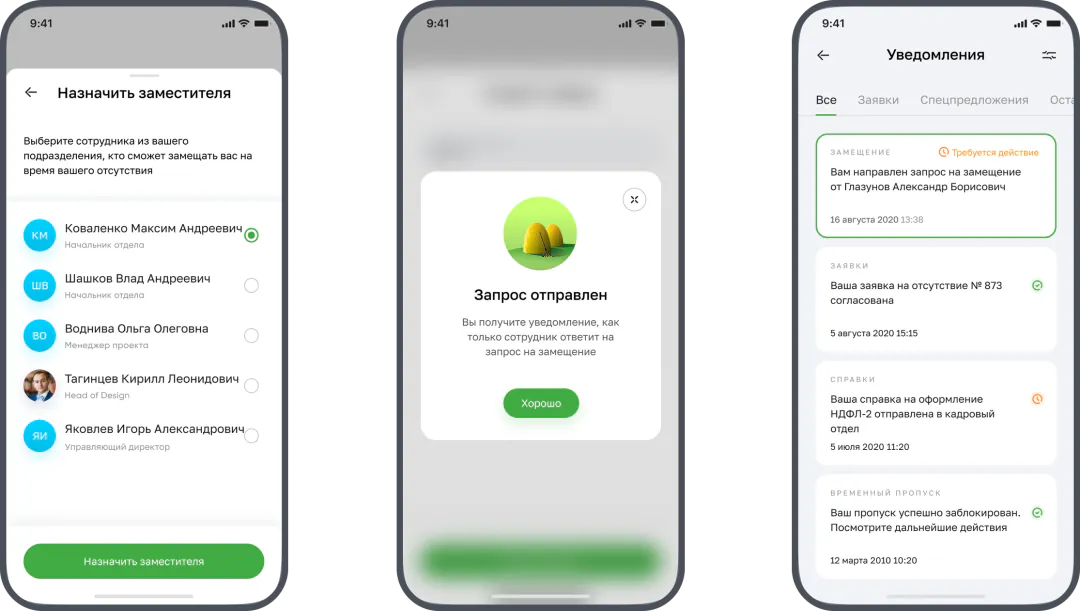
The profile holds everything about the employee. Here they update personal data, change the phone number, appoint an assistant, change the workplace and write to support.
Assistant
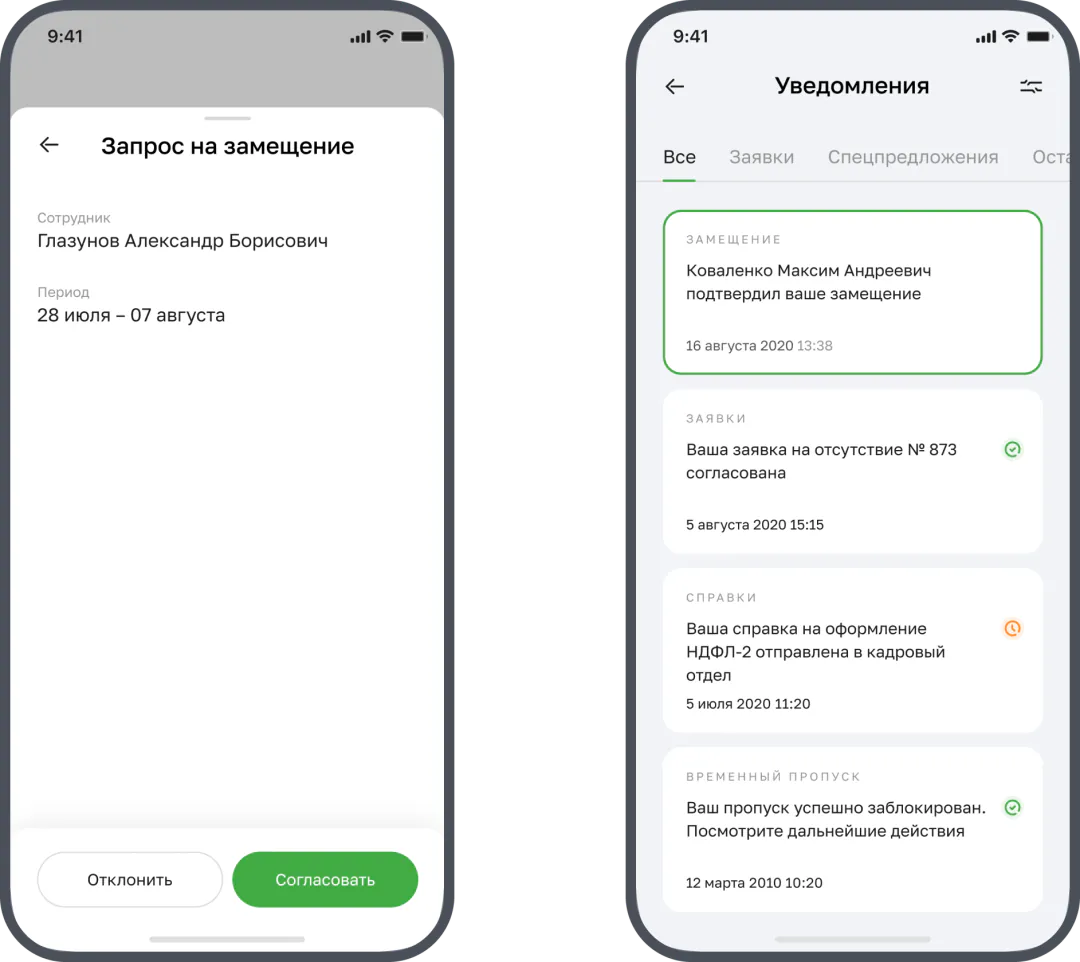
Employees who go on a long vacation or sick leave appoint an assistant. They send a request in the app, and the assistant accepts it. After that the assistant appears in the employee's card, and colleagues can contact them with questions.
Favorites
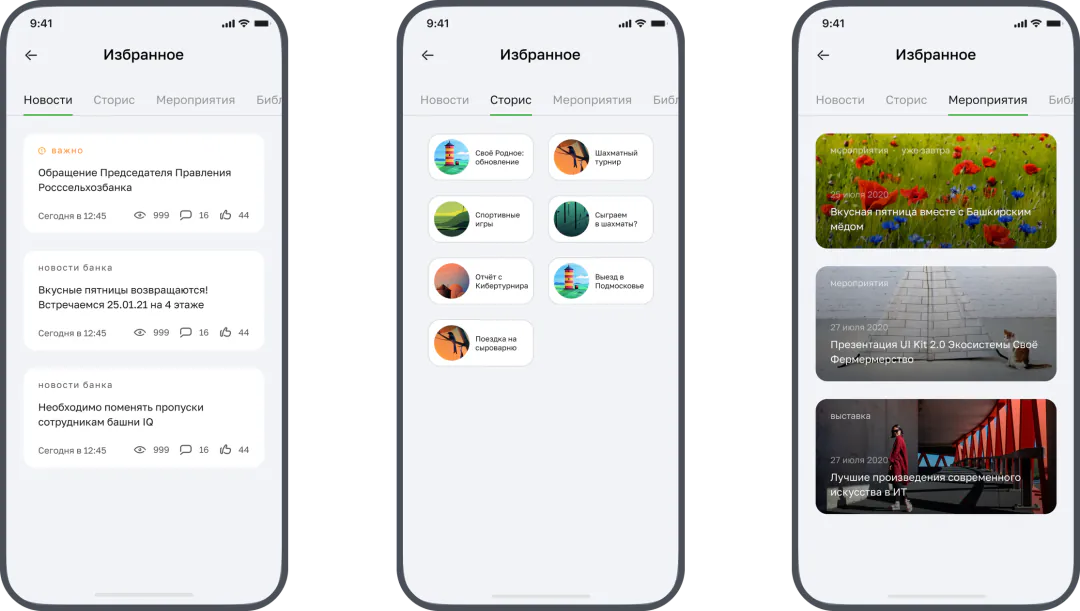
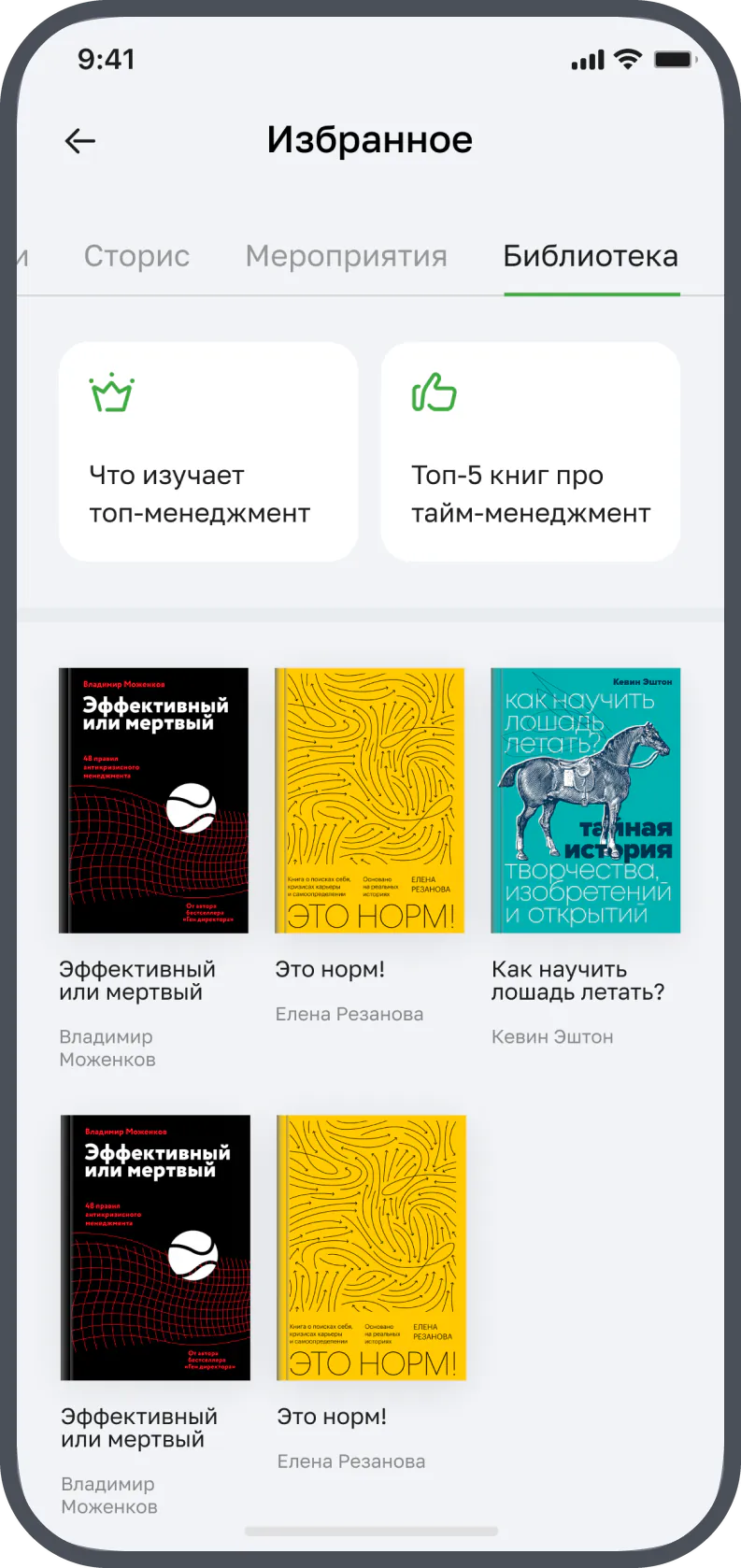
News, stories, events and books can be saved to Favorites.
Results
Together with developers, managers, analysts and illustrators we built an app for the bank's employees that increased their engagement and simplified processes in the company.